

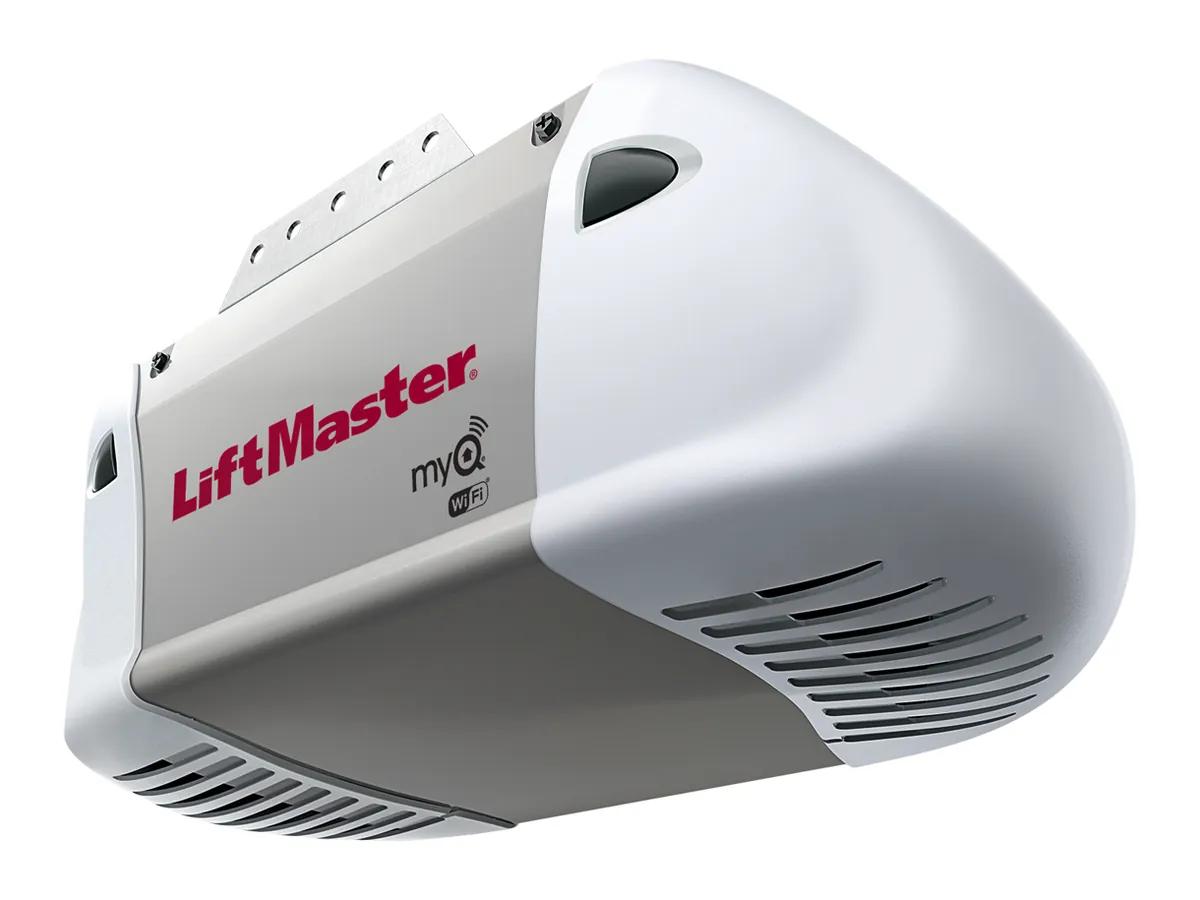
Short answer. LiftMaster 8365W-267 troubleshooting uses the same UP and DOWN arrow flash codes as the newer DC openers, minus the battery faults. Sensors cause most no close calls. A travel reset fixes most doors that stop short. Wi-Fi will only enter learn mode after one full open and close cycle. Unplug the opener first.
The 8365W-267 in one paragraph
For LiftMaster 8365W-267 troubleshooting, start with the spec. The product guide calls it a 1/2 HP AC chain drive Wi-Fi opener, 120V, 1,625 RPM, 2.7 A, with automatic thermal protection. It came with the multi function control panel and two 3 button remotes. The manual it shares with the 8160W, 8164W and 8165W is 114-5713-000. LiftMaster now marks it discontinued, and its comparison chart lists the 83650-267 as the current model in that slot.
No battery backup on this one. In a power cut you use the red release handle, with the door closed if you can.
Flash codes on the AC chain unit
The UP and DOWN arrows flash the codes. Up first, then down.
| Up | Down | Symptom |
|---|---|---|
| 1 | 1 | Will not close, sensor not connected or wire cut |
| 1 | 2 | Will not close, shorted or reversed sensor wire |
| 1 | 3 | Door control dead, wires shorted or control faulty |
| 1 | 4 | Will not close, eyes misaligned |
| 1 | 5 | Short move then stop, a click, or a hum with no motion |
| 1 | 6 | Door coasts after stopping |
| 2 | 1 to 5 | Nothing at all, logic board |
| 3 | 2 | Cannot set or hold travel |
| 4 | 1 to 4 | Stops or reverses, beeps, lights flash |
| 4 | 5 | Runs 6 to 8 inches and reverses, travel module |
| 4 | 6 | Will not close, eyes misaligned |
The 3 and 3 battery code in the chart is marked if applicable. It does not apply here.
LiftMaster 8365W-267 troubleshooting, sensors first
When the opener has power, both photo eyes should glow steady. The sending eye is amber and the receiving eye is green. If either light is off, the manual says check power to the opener and then check the wire for a short or a break. If the green one blinks, something is in the beam or the eyes are out of line. Loosen the wing nut, tilt the eye until both lights hold steady, then tighten it.
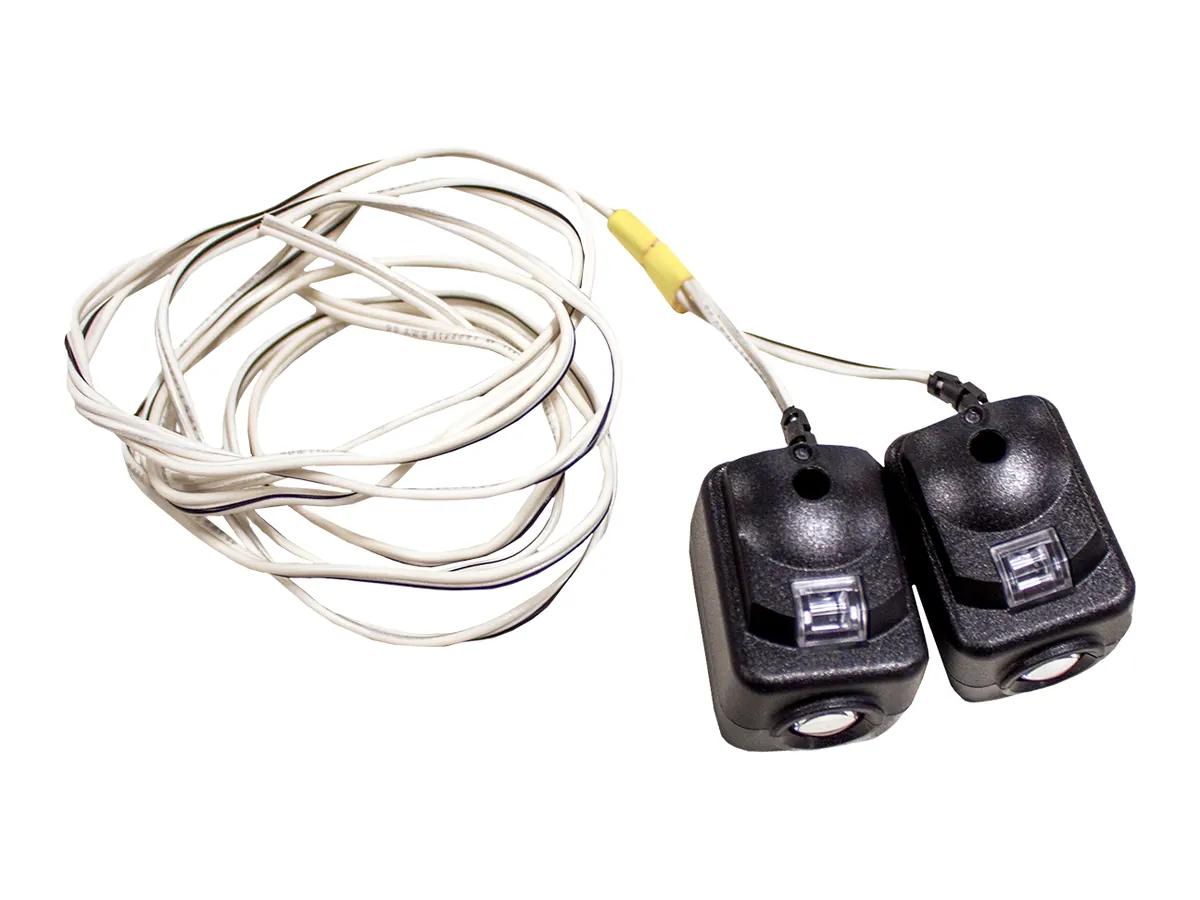
The replacement kit is 041-0136. Its instructions keep the beam no higher than 6 inches off the floor. Our sensor alignment guide has the full routine.
Resetting the travel
This opener sets its limits with buttons on the motor unit, not with screws. Press and hold the adjustment button until the UP arrow flashes or it beeps. Hold UP to the open spot and press adjustment. The lights flash twice. Hold DOWN to the closed spot and press adjustment again. Then the opener runs its own force setup and beeps three times. If the lights flash 5 times, it timed out.
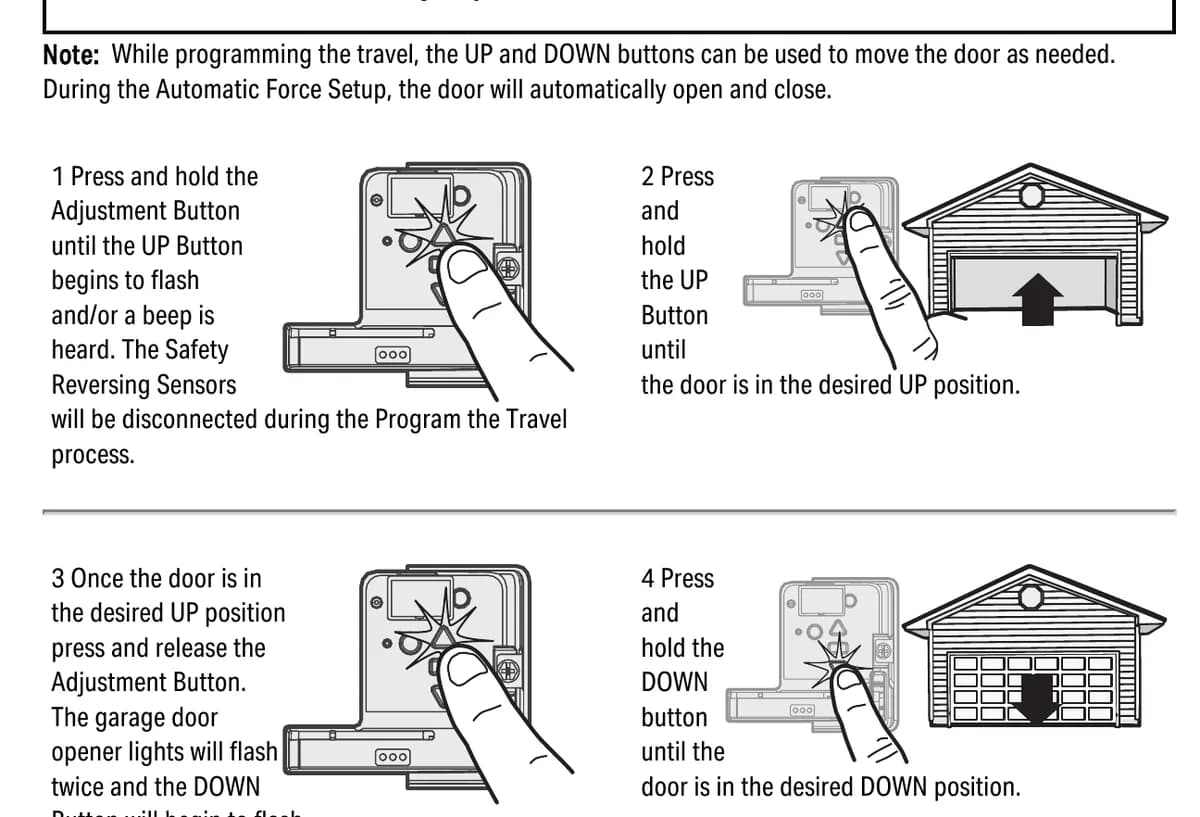
Always finish with the 2x4 test. Lay one flat under the middle of the door and close it. The door has to reverse when it touches the board.
Wi-Fi and remotes
Two Wi-Fi rules from the manual trip people up. The opener has to finish a full open and close cycle after install, and again after a power outage, before it will enter Wi-Fi learn mode. And the myQ serial number only uses the letters A to F and the digits 0 to 9, so a typed O is wrong.
If a neighbour's remote opens your door, erase the opener memory and reprogram your remotes. Hold the learn button until its LED goes out, about 6 seconds. Right away, hold it again until the LED goes out. Every remote and keypad code is gone.
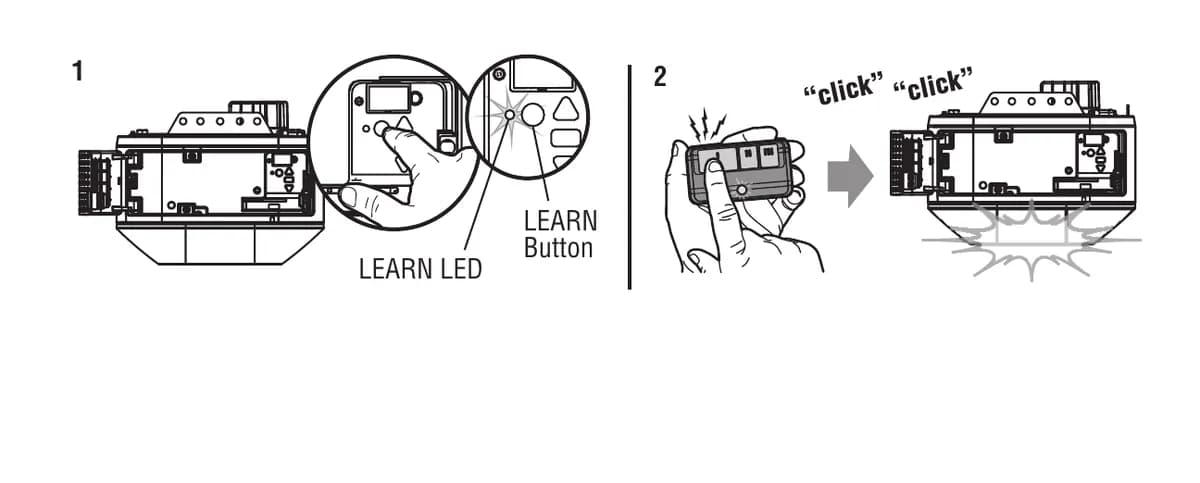
The 8365W-267 has a yellow learn button, Security+ 2.0. Remotes that match are in our remote and keypad programming guide.
Repair or replace
Here is where we land on these, straight up. An 8365W-267 with a good motor is worth a board or a sensor kit. One with a chain that has worn the sprocket and a door that needs new springs too is usually better off replaced, and we will show you why on site.
Call (778) 873-7282 any hour. 12180 Horseshoe Way, Unit 3, Richmond. The on-site assessment is free, and an area surcharge, if any, is quoted before we come. Model details are on our 8365W-267 page.