
Short answer. LiftMaster myQ setup needs a 2.4 GHz Wi-Fi signal in the garage, your main network password and the myQ serial number from the opener. Run the door through one full cycle first, then follow the myQ app. On the opener, a blinking blue LED means learn mode. Solid green means it is online.
What you need for LiftMaster myQ setup
The manual for the 87504-267 and 87802 lists the kit. A phone or tablet with Wi-Fi. Broadband internet. A Wi-Fi signal that actually reaches the garage at 2.4 GHz on 802.11 b/g/n. The password for your main network, not the guest one. And the myQ serial number printed on the opener.
One rule before anything else. The opener must run a full open and close cycle before it will enter Wi-Fi programming. That goes for a brand new install and for any time after a power outage.
Setting it up
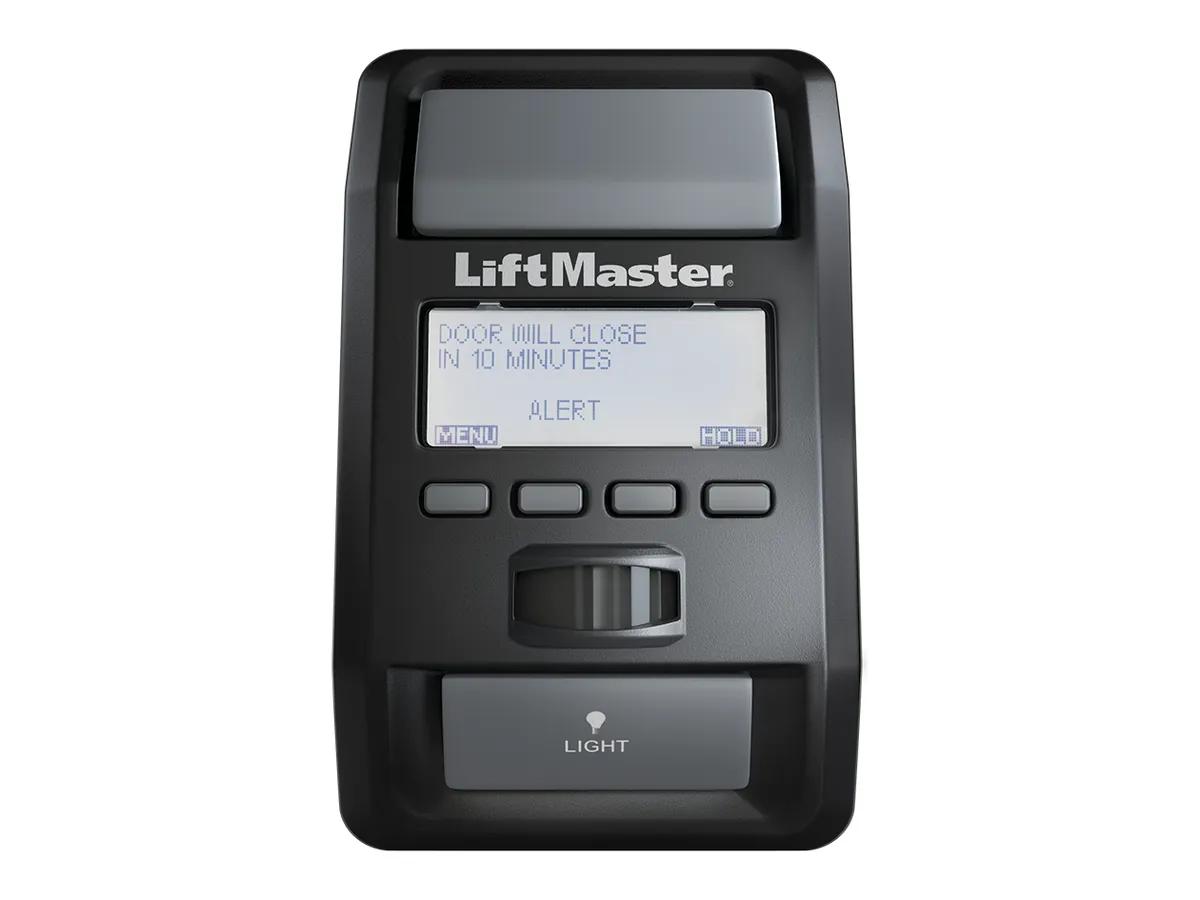
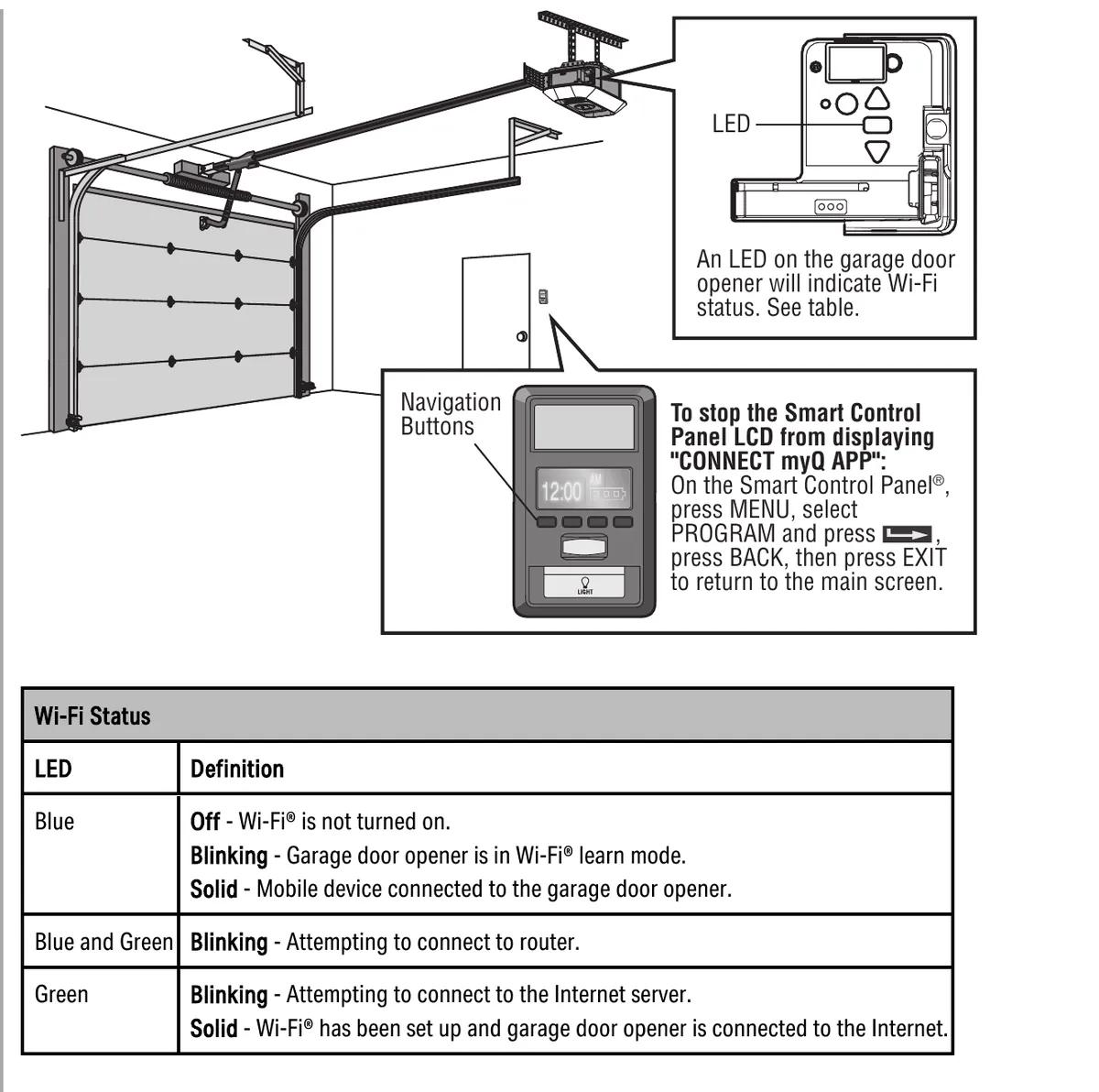
Download the myQ app and make an account. Then follow the connect steps. If the 880LMW panel keeps showing CONNECT myQ APP after you are done, press MENU and select PROGRAM. Press the arrow, then BACK, then EXIT.
The opener can talk to up to 16 myQ accessories. Up to 10 devices pair to its internal gateway for the app, and up to 6 pair directly to the opener over 900 MHz. LiftMaster sells the 828LM gateway if you need more than 10.
Reading the Wi-Fi LED
| LED | State | Meaning |
|---|---|---|
| Blue | Off | Wi-Fi is not turned on |
| Blue | Blinking | In Wi-Fi learn mode |
| Blue | Solid | Your phone is connected to the opener |
| Blue and green | Blinking | Trying to connect to the router |
| Green | Blinking | Trying to reach the internet server |
| Green | Solid | Set up and online |
When it will not connect
The manuals give the same short list. Recheck the myQ serial number, which only uses A to F and 0 to 9. Confirm the Wi-Fi signal actually reaches the garage. For the camera on the 87504-267, move the router closer or add a range extender.
Here is a thing we see in Richmond townhouses. The router sits two floors up behind concrete, and the phone shows one bar in the garage. The opener needs better than the phone does. An extender in the hallway nearest the garage fixes most of these.
Also know what turns myQ off on purpose. App control does not work while the opener runs on battery. On the 98032 the myQ Remote LED Light must be installed and programmed before phone control or Timer-to-Close will work, and it can take up to 5 minutes after pairing.
Camera on the 87504-267
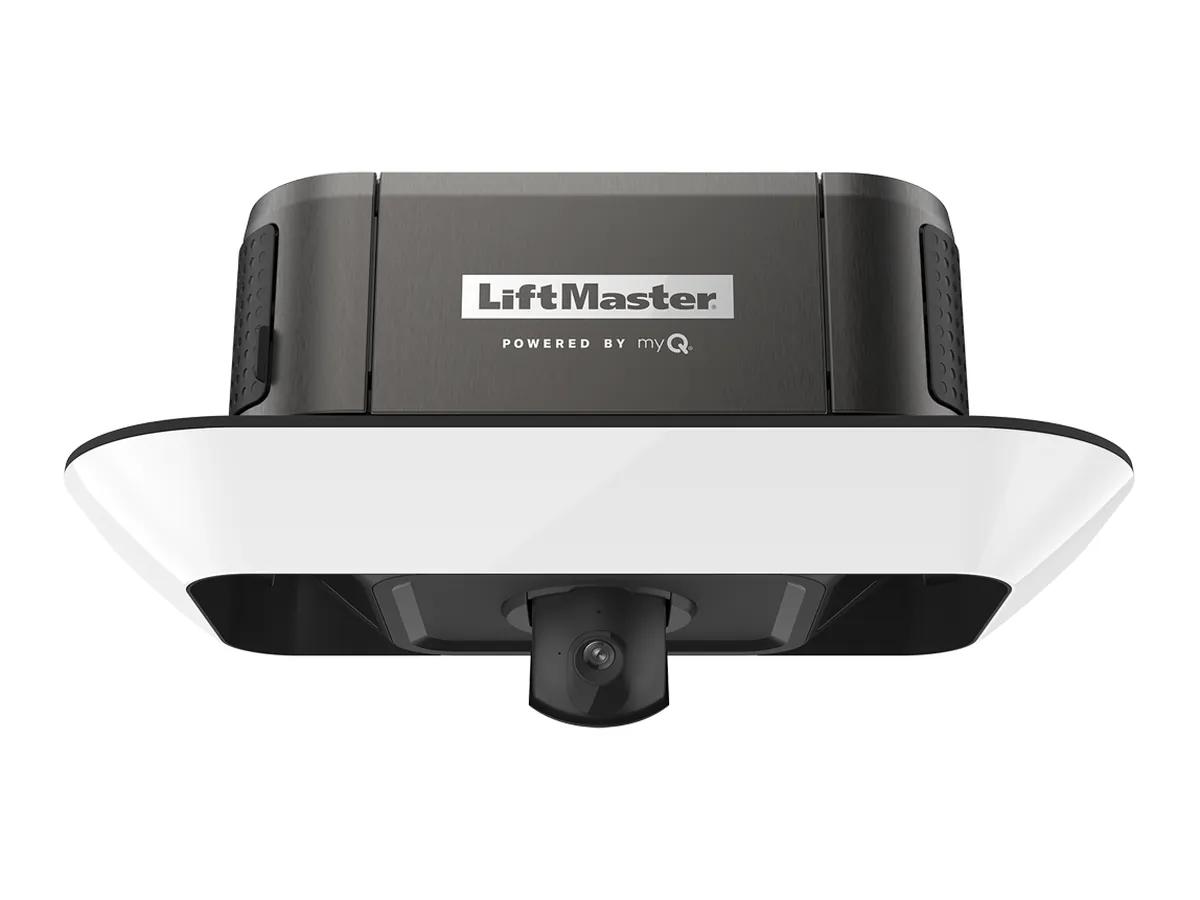
The camera has its own LED. Solid white is powering up. Flashing blue is looking for your phone. Flashing blue with green is looking for the router. Flashing green is waiting on the myQ server. Solid green is working. Flashing red means overheating. A reset is 10 seconds on the camera reset button, then set it up again in the app.
Our take, and getting help
Our opinion is that myQ is worth it for one feature alone, the alert when the door is left open. Everything else is a bonus.
If your opener will not connect after all that, we can check signal and set it up on a visit. Call (778) 873-7282 24/7. Free on-site assessment from 12180 Horseshoe Way, Unit 3, Richmond. A surcharge may apply depending on the area, quoted before we come. Related reading on the LiftMaster openers page and the 98032 troubleshooting guide.